
Showing slides in your presentation? Be smart, and remember, you're the star! Here's how to use PowerPoint effectively while inspiring listeners.
Once upon a time, I conducted a day-long public speaking workshop for a national group of anesthesiologists. These successful doctors were interested in improving their presentations to physicians in other specialties that they worked with.
They were eager to learn and improve, too. Even these specialists in sedation knew they shouldn't be putting audiences to sleep!
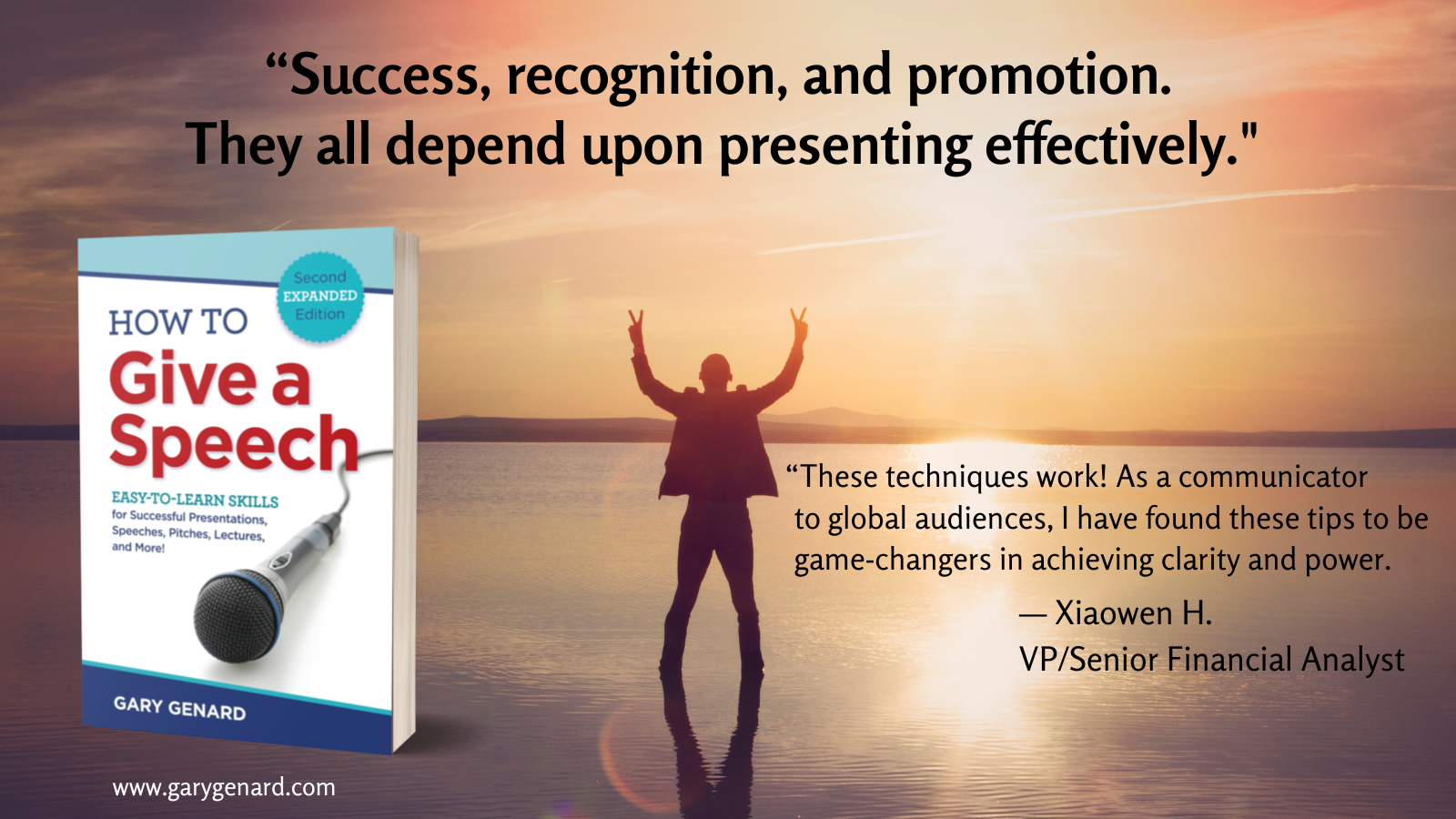
See Chapter 6, "Using PowerPoint and Other Media," in my book, How To Give a Speech. Energize your slide deck and how you present it. Also available on Amazon.
If these experts at minimizing risk recognized the gamble they were taking with their presentations, who are we to argue? Yes, I'm talking about the fact that we skate at the edges of that danger zone every time we use PowerPoint.
Below are some tips for being a smarter presenter when you're using a slide deck. Keep reading if you want to make things easier for your customers and colleagues while boosting your self-confidence and influence.
Here's your secret weapon for more interesting presentations: my Free cheat sheet, "5 Rules for Succeeding With PowerPoint." Download it now!
You're Telling a Story With Your Deck, Right? ... Right?
In my work at The Genard Method, I've developed a system I call "Performing PowerPoint." There's nothing original about my idea that Bill Gates's tool has become as efficient as sleep doctors in sending people to dreamland. Actually, PowerPoint is a perfectly fine presentation tool if used judiciously. But too often, it's an instrument that seems almost guaranteed to reduce the speaker's influence and the success of his or her presentation.
How important are your platform skills? They can matter as much as what you say! Learn more with my Free resource, "Great Speaking? It's About Performance Over Content."
Here's why: too many speakers are eager to turn over the success of their speech to their slides. But that deck isn't an influencer. It's just a tool, the way a pencil is a tool. Were you ever turned on by how wonderfully a speaker used a pencil to organize a talk?
When you speak, it's your job to tell a story while taking listeners on a journey. That's a far cry from asking your slides to accomplish that task, rather than giving visual reinforcement to what you're saying, which is their actual role.
Learn more about how to command a stage with what you say and how you say it. Get my Free ebook, 12 Easy Ways to Achieve Presence and Charisma.
Three Ways to Use PowerPoint in Performance
So, here's a modest proposal concerning how you can "smarten up" your slide decks. Remember: you are the influencer when you speak. Your tools, and even your data can't do that. Your take on the topic, and your ability to connect with your audience to get it across, is what makes listeners hungry to hear you speak.
1. Take Advantage of Prime Real Estate. Most presenters waste an opportunity to use valuable space up on the screen. Think of it this way: your slides are there to further your purpose not just to display information. Title slides is one way to do this, as they announce the next important segment. But an even more strategic approach involves your HEADINGS. Too often, they say things like "Agenda," "Survey Results," or heaven help us, "Questions?" Instead, ask yourself what this slide is really all about, and make your heading say that loud and clear. Which would interest you more as a title slide: "Agenda," or "Three Reasons This Joint Venture Will Transform Our Company"?
Want to know how to engage and move audiences? Download my Free Presenter's Guide, "6 Rules of Effective Public Speaking." Add it to your speaker's toolbox today!
Be creative! Consider if you were in the audience, and a slide was headed "Subscriber Complaints," versus "I Hate This Product!" Which heading is going to grab your customer service team's attention, and set the tone for what you're going to speak about?
2. Tell Your Story, Don't Show Slides. Here again, as slide users, we're a pretty guilty mob. We use what I call the "Click-Talk" method. You've seen it hundreds of times: Click. "Here's a look at our sales results last quarter." Click. "Here are some projections about next quarter." Click. "Simon says take a giant step backward." Well, almost. — This is where my Performing PowerPoint technique shines, and here's how you do it: make your narrative the basis of your talk (including its flow), and bring in each slide at the moment it will have most impact.
For example, you might say: "We all know what last quarter was like. Yes, going over that is painful, but I have a point to make. Once again, here are the numbers" . . . Click. [Audible groans] . "Now, what would you say if we could increase our profits by fifty percent? I've come up with a way. Here's what it looks like . . ." Now, I guarantee that everyone will be engaged, and even eager to see what you're about to show next. Voila! Attentiveness rather than mass comas.
3. Use PowerPoint's Secret Weapon. That's the "B" key. Did you know that when you're in View mode, pressing the "B" key on your keypad turns every screen that is showing a slide black? What's the idea here? — It's to bring everyone's attention back to YOU. Use this technique when you want to foster a discussion, or if you see people's eyes glazing over because you've just shown 42 slides in succession.
It's also helpful to have your title slide displayed when attendees are entering a room, so they know they're in the right place (such as at conference breakouts). Then, hit the "B" key just before you say, "Okay, everyone, I think we're ready to begin." Remember, you are the influencer! Hitting the "B" key a second time reactivates the view. At that instant, two things happen: 1) your previous slide comes back, and 2) everyone thinks, "What a presenter!"
You should follow me on Twitter here.

Gary Genard is an actor, author, and expert in public speaking and overcoming speaking fear. His company, The Genard Method offers live 1:1 Zoom executive coaching and corporate group training worldwide. He is the author of the Amazon Best-Seller How to Give a Speech. His second book, Fearless Speaking, was named in 2019 as “One of the 100 Best Confidence Books of All Time.” For nine consecutive years, he was ranked by Global Gurus as one of The World’s Top 30 Communication Professionals, and he has been named as one of America's Top 5 Speech Coaches. His handbook for presenting in videoconferences, Speaking Virtually offers techniques for developing virtual presence. He is also the author of Speak for Leadership: An Executive Speech Coach's Secrets for Developing Leadership Presence. His latest book is The Confidence Book: 75 Ways to Reduce Your Anxiety, Let Go of Your Fears, Change Your Negative Thinking, and Perform At Your Professional Best. He is also the creator of The Dr. William Scarlet supernatural thrillers. Contact Gary here.
Photo credit: Vitaly Gariev on unsplash.com