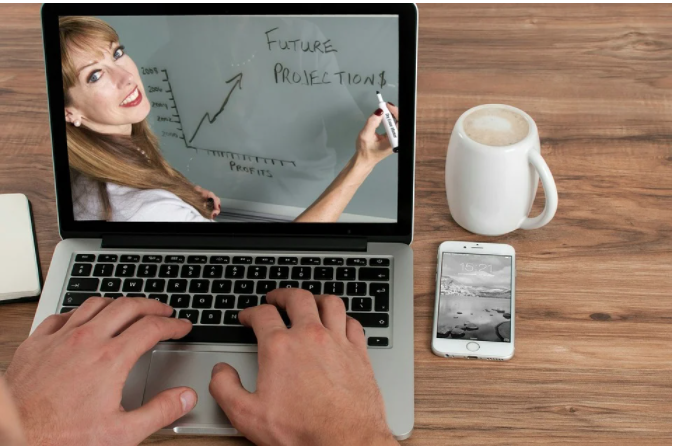
You're presenting more and more online. Do you know how to look and sound good? Here's how to improve your presentation skills for video conferences.
Let's face it: the draconian lockdowns imposed on U.S. citizens by our own government during the COVID-19 overreach changed the world of business. Among the changes large and small was a dramatic growth in virtual meetings and presentations.
Whether that change is good or bad (it's both), there's no doubt that we're now in hybrid mode, bouncing back and forth between in-person and virtual presentations.
Are you as good in the latter as you were in the former?
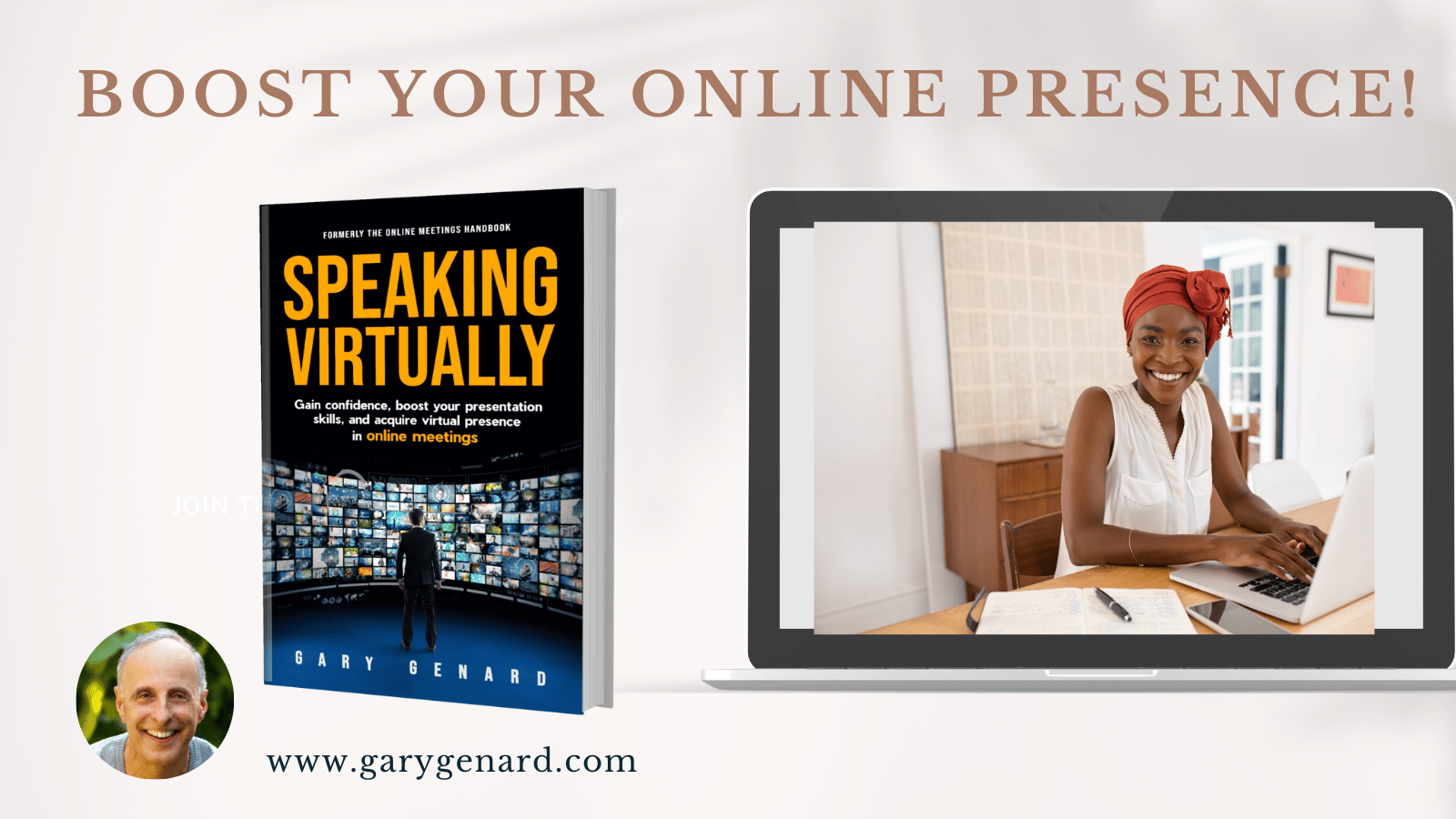
Want to boost your presentation skills while acquiring virtual presence? Get my book, Speaking Virtually. The "virtual you" is now a vital component of your career! On Amazon.
Below are two ways you can achieve that result. Given the frequency of online communication, it's increasingly important that you know how to speak naturally and with impact. Just because a presentation is virtual doesn't mean that you can abandon the art of knowing how to achieve presence and charisma.
How's your virtual presence? In the age of videoconferencing, it's all-important. To be at your best, download my Free e-Guide, "Essential Speaking Tips for Video Conferences."
Are You Coming Across Online the Right Way?
I read an article a while ago that said communicating online falls somewhere between absence and presence. This is nonsense. Why would you need to be present online any less than you do in person? The main difference between the two is that one is electronically transmitted. So what? When speaking to stakeholders, you still need the presence that comes from authenticity. It's may not be stage presence. Let's call it instead "Video Presence."
Can you learn this type of influence with an audience? Of course you can. Not only that. One of the nice things about video meetings (and my clients have been commenting on this lately) is how well it fosters in-real-time conversations when you have no other option.
So if you want to communicate strongly in video meetings, don't think of it as an "absence" that the reaction to the coronavirus forced upon us. Consider, for one thing, the fact that most of the time, you're very close to your screen. That's actually a form of intimacy.
Another way to make your presentation skills pay off in a video conference is to accept how easy it is to deal with your slides while you're speaking. Instead of splitting your attention between listeners and the display screen—and as some presenters do, talking to the slides instead of the audience—it's all now literally at your fingertips. And of course, when you're showing a slide, you can be sure the meeting participants are looking at it, rather than at you.
Interested in reaching a new level of PowerPoint performance? Download my Free Cheat Sheet, "5 Rules for Succeeding with PowerPoint."
It's even easier, then, to pay attention to what you're saying, rather than splitting your attention between your deck and the audience! It's one way to know how to stay focused when you're speaking. If the camera on your laptop or phone intimidates you, see my next point, below.
How to Be at Your Best in Video Conferencing
For many people, of course, speaking to a camera with no one else around seems odd and uncomfortable. It may be hard to motivate yourself for, say, a keynote if you can't see your audience. This problem can be magnified if you're presenting a webinar, when you have to speak for a long time before the relief comes of someone "raising their hand" to ask a question. (And if you really draw a blank, here are 5 ways to recover from a brain freeze.)
It's a challenge for anyone to relate to a television camera, webcam, or radio microphone (or phone link) when there's no one else around. So here's what I recommend: imagine that you're speaking to someone whose opinion you value.
That person might be a colleague, spouse, sibling, mentor, or your wise uncle. It should be a person you really would like to hear say, "That was terrific. You really hit it out of the park." When you imagine you're talking to that person (instead of the actual camera or microphone), you'll come across at your best—as you would in a natural conversation.
Here's why that's important. Whether your presentation takes place in a boardroom, your customer's office, a convention hall, or via video conferencing isn't that important. What matters is that you can recreate the art of conversation as it exists in a 1:1 situation. When listeners feel the same connection that's present in such an encounter, everybody wins.
You should follow me on Twitter here.
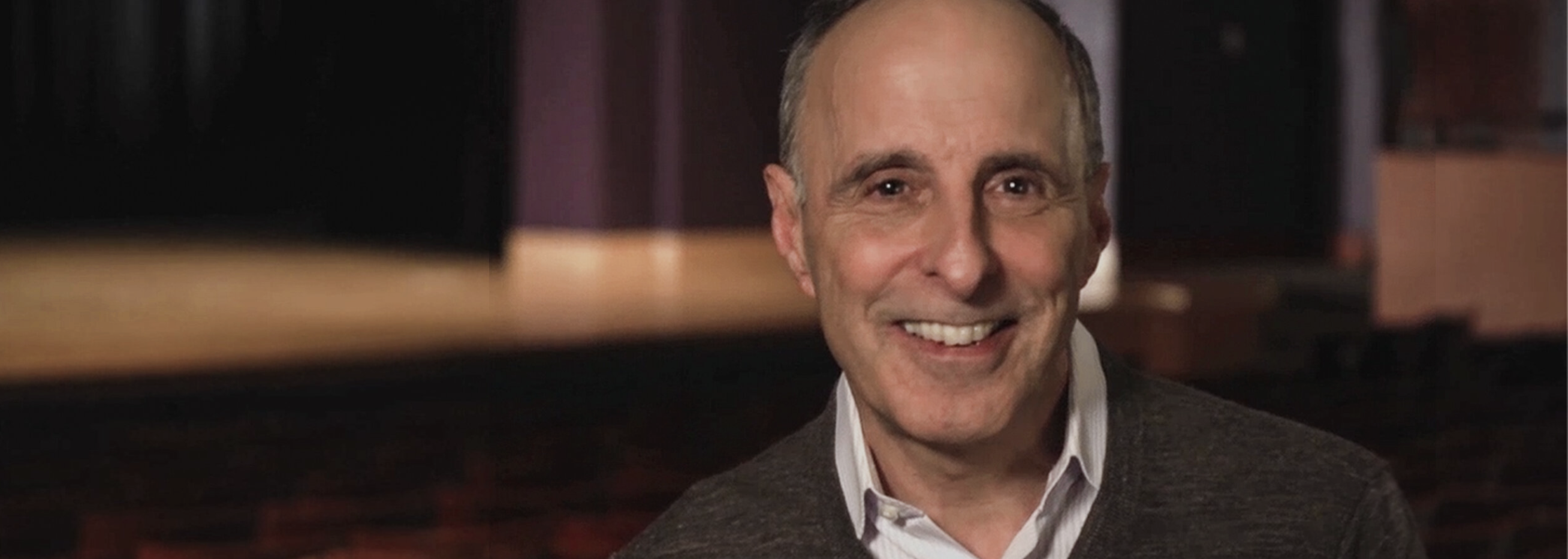
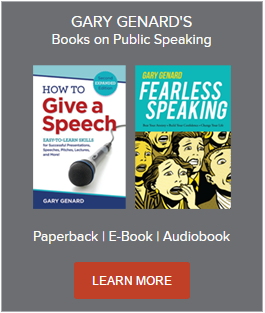
Gary Genard is an actor, author, and expert in public speaking and overcoming speaking fear. His company, The Genard Method offers live 1:1 Zoom executive coaching and corporate group training worldwide. He is the author of the Amazon Best-Seller How to Give a Speech. His second book, Fearless Speaking, was named in 2019 as “One of the 100 Best Confidence Books of All Time.” For nine consecutive years, he was ranked by Global Gurus as one of The World’s Top 30 Communication Professionals, and he has been named as one of America's Top 5 Speech Coaches. His handbook for presenting in videoconferences, Speaking Virtually offers techniques for developing virtual presence. He is also the author of Speak for Leadership: An Executive Speech Coach's Secrets for Developing Leadership Presence. His latest book is The Confidence Book: 75 Ways to Reduce Your Anxiety, Let Go of Your Fears, Change Your Negative Thinking, and Perform At Your Professional Best. He is also the creator of The Dr. William Scarlet supernatural thrillers. Contact Gary here.